
Tech stack
Project breakdown
Kosu - End-to-end E-learning Platform
Large video uploads · Queue-based payment webhooks · Device-aware session control
Role: Solo developer across frontend and backend. I designed the architecture, implemented the product workflow, and handled most of the deployment path myself.
Next.js 15 · NestJS · PostgreSQL · Redis/BullMQ · AWS S3/CloudFront · Docker · GitLab CI/CD
Kosu is a learning platform for learners, instructors, and operators. The main engineering challenge was handling expensive work such as video encoding and payment webhooks without slowing down the user-facing API for checkout, lesson playback, or progress tracking.
System Architecture
The system is split into three runtimes: API for synchronous user-facing work, Worker for heavy jobs, and Scheduler for cron-driven tasks. PostgreSQL stores relational data, Redis handles hot-path state such as sessions and progress, and S3 + CloudFront deliver media.
That split matters because the product regularly mixes latency-sensitive requests with expensive asynchronous work. Background video processing should never block enrollment, checkout, or lesson playback.
Video Upload & Processing Pipeline
Problem: Large video uploads can choke the main API, fail halfway through unreliable networks, and leave instructors with no clue which processing step is still running.
Solution: Use multipart upload directly to S3, then hand the processing flow to BullMQ workers with explicit step-by-step progress tracking.
Implementation highlights:
- The client uploads directly to S3 using multipart presigned URLs
- The API only coordinates metadata and enqueues processing jobs
- Workers run a seven-step flow: download, inspect, thumbnail, HLS encode, MP4 encode, upload artifacts, cleanup
- The frontend polls progress every few seconds and shows the current step
- Paid video delivery uses signed CloudFront cookies
Result: The upload flow became production-safe and understandable to end users. Instructors can see whether the system is still uploading, encoding, or publishing rather than staring at an ambiguous spinner.
Queue-first Payment Webhook
Problem: Payment webhooks are easy to get wrong. If the system performs all business logic synchronously, slow database writes or duplicate gateway callbacks can create inconsistent enrollment records.
Solution: Treat the webhook as a fast acknowledgment endpoint. Verify the signature, enqueue the job, and let workers process the real business state inside a transaction.
Implementation highlights:
- The webhook endpoint validates the payload and returns
200 ACKimmediately - Workers update payment and order state transactionally
- Idempotency is enforced through transaction IDs and final-state guards
- The design supports multiple gateways without changing the core pattern
Result: Payment handling remains durable under retries and duplicate events while the public webhook stays fast and predictable.


Multi-device Authentication
Problem: A single refresh token stored on the user record only supports one active session. Logging in on a second device invalidates the first device and makes session revocation coarse-grained.
Solution: Move to session-based auth. Each device gets its own session row, tokens carry session_id and device_id, and refresh token rotation uses compare-and-swap semantics.
Implementation highlights:
- Each device gets an isolated session
- The frontend keeps a long-lived
device_idcookie - Session state is cached in Redis and falls back to PostgreSQL
- The settings UI lets users revoke individual devices or all devices
- Advisory locks protect race conditions around device limits
Result: Session management became a real product surface rather than an afterthought. Users can understand and control where they are logged in.

CI/CD & Deploy
- GitLab CI pipeline: build, deploy, and rollback stages
- Dockerized backend split into
api,worker, andschedulercontainers - Images are versioned by commit SHA and published to GitLab Container Registry
- Frontend runs as a standalone Next.js container with
/api/health
I used AI selectively for research and debugging, but the architecture, system design, and primary implementation were my own.
Key screens
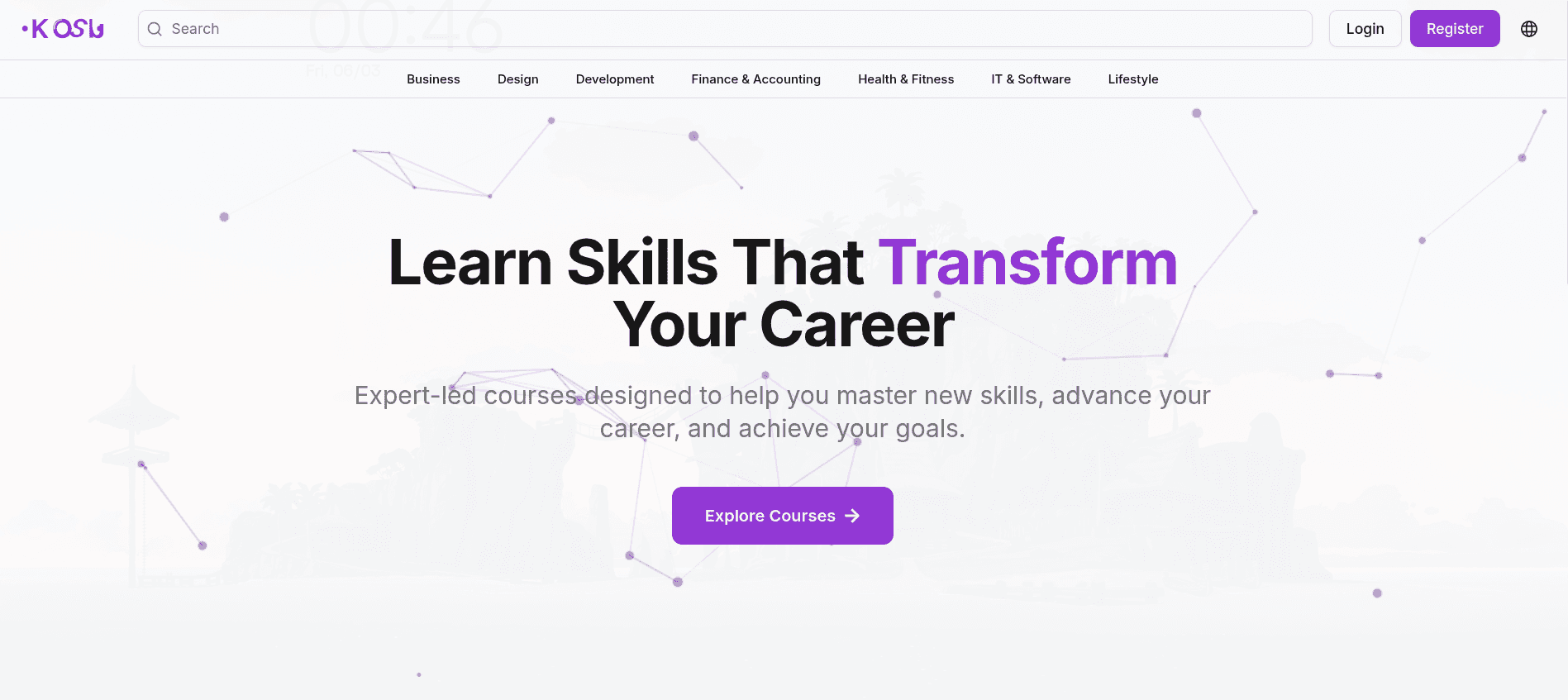
Home
Main entry for course discovery and learner onboarding.
Explore
Browse courses, collections, and lesson previews.
Category Courses
Filtered course listing by subject area.
Course Detail
Overview, curriculum, reviews, and access rules for paid content.
Smart Notes
Timestamped notes linked back to the exact lecture moment.